10 Shopify Flow Automations You Should Build Today (So You Don’t Have to Hire 12 People)
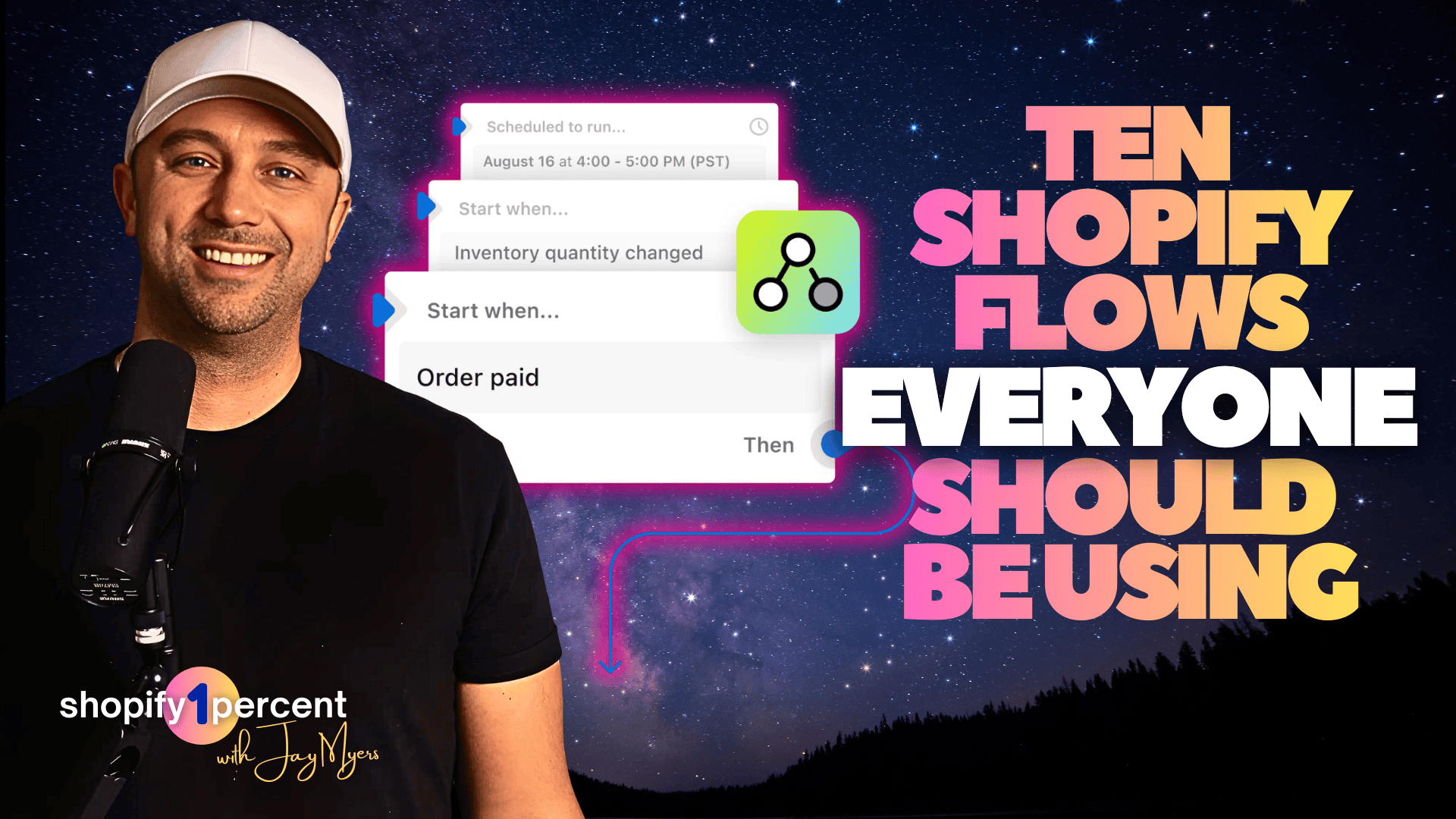
10 Shopify Flow Automations You Should Build Today (So You Don’t Have to Hire 12 People)
I’ve seen this movie a thousand times in Shopify.
A brand is doing $1M to $20M. Ads are fine. Product is solid. Then volume hits and everything “after the click” turns into operational chaos: late shipments, low stock surprises, fraud slipping through, returns piling up, and retention turning into a discount addiction. That’s exactly why I recorded this 1% Win episode on Shopify Flow.
And the stakes are not small. The average documented online cart abandonment rate is 70.22%. Retailers also estimate 15.8% of annual sales will be returned in 2025, totaling $849.9B, and NRF reports 9% of returns are fraudulent. That’s a lot of margin getting lit on fire while your team argues in Slack.
So today’s blog post is the “readable” version of the episode: how Shopify Flow works, what to build first, and 10 Shopify Flow automations you can set up right now (easy to advanced), mostly using Shopify native tools plus Omnisend for email and SMS.
What Shopify Flow is (and why it’s an operator’s best friend)
Shopify Flow is Shopify’s automation engine. It’s “if this happens, then do that,” inside your Shopify admin. You pick:
Trigger (Order paid, Inventory changed, Return approved)
Conditions (Is it high value? Is the customer a VIP? Is the risk high? Is inventory low?)
Actions (Tag an order, hold fulfillment, send a Slack message, add a row to Google Sheets)
That’s it. You’re basically building a small operating system for your Shopify store.
A few things that matter:
Shopify Flow is a free Shopify app available on Basic, Grow, Advanced, and Plus.
Shopify even added Sidekick support to generate Flow workflows from plain English prompts, which makes building faster (you still need to review and test).
Shopify also added new returns triggers (Return approved, Return requested, etc.) and a Cancel return action which makes return automation way more practical.
In the episode, I said something I’ll repeat here: operators don’t lose because they’re lazy. They lose because they don’t have systems. Shopify Flow is one of the cleanest systems you can install fast.
The rule: build a “Flow ladder,” not automation spaghetti
Most Shopify teams do one of two things:
They set up one or two automations and call it done.
They build 40 workflows, nobody knows what fires when, half are broken, and everyone stops trusting Flow.
So the approach is a ladder. Start easy (alerts and tags), then inventory and fulfillment, then fraud and returns, then retention and winback.
My non-negotiables:
Every Shopify Flow needs a clear name
Every flow should do one job
Every flow needs an owner (yes, even if the owner is “me on Fridays for 10 minutes”)
The 10 Shopify Flow automations (easy to advanced)
Below are the same 10 flows from the episode, explained in a blog-friendly way. Each includes what it does, how it works, how to build it, and why it matters.
1) The Slack High-Five (easy)
What it does: When a high-value order hits, Shopify tags it and posts a celebration (and a heads up) in Slack.
How it works:
Trigger: Order paid
Condition: Order total > your threshold
Actions: Slack message + tag order
high_value
How to set it up in Shopify Flow:
Install Shopify Flow (Apps in Shopify admin)
Create workflow
Trigger: Order paid
Condition: Order total > (example: $250, $500, $1,000)
Action: Slack, send message to
#ordersAction: Add order tag
high_valueTurn it on
Benefit: You stop missing moments to upgrade shipping, add a gift, or give white-glove handling to the customers that actually matter.
2) The VIP Stamp (easy)
What it does: Automatically tags VIP customers when they cross a threshold and alerts your team.
How it works:
Trigger: Order paid
Condition: customer order count OR total spent crosses your VIP threshold
Actions: add customer tag
vip+ Slack ping
How to set it up:
Trigger: Order paid
Condition: Customer total spent > X (or order count > X)
Action: Add customer tag
vipAction: Slack message to
#supportor#vip
Omnisend add-on: Trigger an Omnisend event like became_vip to start a VIP message series.
Bonus tip (because it’s too perfect): In the episode I mentioned Bold Custom Pricing. If you tag VIPs in Shopify, you can show VIP pricing automatically when they log in, without coupon codes. That’s a very clean retention lever.
3) The First-Order Launchpad (easy to medium)
What it does: Detects a first-time buyer and kicks off a “first purchase” post-purchase automation in Omnisend.
How it works:
Trigger: Order paid
Condition: customer order count = 1
Actions: tag order
first_order+ Omnisend eventfirst_order_paid
How to set it up:
Trigger: Order paid
Condition: order count = 1
Action: Add order tag
first_orderAction: Omnisend, track event
first_order_paid
What to send in Omnisend (example):
Day 0: setup + expectations
Day 2 to 3: UGC and tips
Day 5: companion product suggestions
Day 20: replenishment or reorder logic (if applicable)
Benefit: You stop letting “one-and-done” become your default customer behavior.
4) The Fulfillment Snooze Alarm (medium)
What it does: If an order is still unfulfilled after 24 hours, Shopify Flow alerts ops and tags the order.
How it works:
Trigger: Order created
Action: wait 24 hours
Condition: fulfillment status is still unfulfilled
Actions: Slack alert + tag
late_ship
How to set it up:
Trigger: Order created
Action: Wait 24 hours
Condition: Fulfillment status = unfulfilled
Action: Slack message to
#opsAction: Add order tag
late_ship
Benefit: Fewer “where’s my order” tickets and fewer refunds caused by delays. This one pays for itself fast.
5) The Fraud Freeze (medium)
What it does: Automatically holds high-risk orders so you don’t ship obvious fraud.
How it works:
Trigger: Order risk analyzed
Condition: risk level = High
Actions: hold fulfillment + tag
fraud_review+ notify team
How to set it up:
Trigger: Order risk analyzed
Condition: Risk = high
Action: Hold fulfillment
Action: Add order tag
fraud_reviewAction: Slack message to
#fraudor#ops
Why it matters: Chargebacks are not just annoying. They’re expensive and can cause higher payment costs or worse. In broader payments research, global card-not-present fraud losses are projected to hit $28.1B by 2026.
This flow slows down only the suspicious orders, not the good ones.
6) The Low-Stock Siren (medium)
What it does: When inventory drops below a threshold, it alerts Slack and logs the SKU in Google Sheets.
How it works:
Trigger: Product variant inventory quantity changed
Condition: inventory <= threshold
Actions: tag product
low_stock+ Slack alert + add row in Google Sheets
How to set it up:
Trigger: Inventory quantity changed
Condition: <= 5, 10, 20 (set based on velocity)
Action: Add product tag
low_stockAction: Slack message with SKU and quantity
Action: Google Sheets add row to reorder tracker
Benefit: Fewer stockouts and fewer “how did we run out again?” meetings.
7) The Back-in-Stock Beacon (medium to advanced)
What it does: When inventory returns, Shopify Flow triggers Omnisend to notify interested customers.
How it works:
Trigger: Variant back in stock
Actions: remove
low_stocktag (optional) + Omnisend eventback_in_stock
How to set it up:
Trigger: Variant back in stock
Action: Remove product tag
low_stock(optional)Action: Omnisend track event
back_in_stockIn Omnisend: send email + SMS to subscribers or a smart segment
Why this is a cheat code: Back-in-stock messages perform. Omnisend has reported back-in-stock emails with 59.19% open rates and 5.34% conversion rates in their benchmarking content.
Also, I joked in the episode: back-in-stock is “secretly a great marketing tool.” It’s true.
8) The Return Deadline Bouncer (advanced)
What it does: Cancels returns that were approved but never shipped back after X days.
How it works:
Trigger: Return approved
Action: wait 14 days (or your policy)
Condition: return not closed
Actions: cancel return + Slack message
How to set it up:
Trigger: Return approved
Action: Wait 14 days
Condition: Return not closed
Action: Cancel return
Action: Slack message to
#support
Why it matters: Otherwise you end up with a “zombie graveyard” of open returns that mess with inventory and decision-making. And again, returns are huge: NRF projects $849.9B in returns in 2025.
9) The Return Abuse Radar (advanced)
What it does: Tags repeat returners so you can treat them differently without punishing normal customers.
How it works:
Trigger: Return approved
Condition: customer has tag
has_returnYes branch: add
repeat_returner+ notify supportNo branch: add
has_return
How to set it up:
Trigger: Return approved
Condition: customer tag contains
has_returnYes: add customer tag
repeat_returner, Slack supportNo: add customer tag
has_return
Operator move: Suppress aggressive promo messages to repeat returners in Omnisend. Return fraud is real. NRF reports 9% of returns are fraudulent, and returns policy “rule bending” is surprisingly common.
10) The Winback Ladder (advanced, revenue-heavy)
What it does: When a customer becomes “lapsed,” Shopify Flow pushes them into an Omnisend winback automation.
How it works:
Create a Shopify customer segment: last order date > 60 to 120 days
Trigger: Customer joined segment
Actions: Omnisend event
entered_winback+ tag customerwinback
How to set it up:
Shopify Admin: Customers > Segments, create “Lapsed 90 Days”
Shopify Flow trigger: Customer joined segment
Action: Omnisend track event
entered_winbackIn Omnisend: 3-touch ladder:
Touch 1: what’s new + best sellers
Touch 2: proof (UGC, reviews)
Touch 3: offer only if they didn’t convert earlier
Why it matters: Retention is where Shopify brands get real margin. And automation helps because automated messages tend to beat “newsletter blasts.” Omnisend reports automated emails significantly outperforming scheduled campaigns in their benchmarking.
Build plan (so you actually do this)
If you do nothing else, steal the build order I gave in the episode:
Build 3 today: Slack High-Five, Fulfillment Snooze Alarm, Low-Stock Siren
Build 3 this week: VIP Stamp, Fraud Freeze, First-Order Launchpad
Then go advanced: Back-in-Stock, Return Deadline, Return Abuse, Winback Ladder
When those save you a couple hours a week, don’t celebrate. Build the next one. That’s how Shopify brands get operational excellence without bloating headcount.
FAQ (for Shopify operators who want the straight answer)
Is Shopify Flow free?
Yes, Shopify Flow is a free Shopify app and is available on Shopify plans including Basic and up.
Can Shopify Flow send email or SMS by itself?
Shopify Flow can trigger actions, including integrations with apps. For messaging, it’s common to use email and SMS platforms (like Omnisend) triggered by Flow events.
Can Shopify Flow automate returns?
Yes. Shopify added dedicated returns triggers and a Cancel return action.
Can Sidekick build Shopify Flow workflows?
Yes. Shopify shipped Sidekick support to generate Flow workflows from prompts and open them in the editor for review.
If you listened to the episode, you heard me make one last joke: I wish I could build a Shopify Flow that auto-sends you to leave a 5-star review. Shopify has not shipped that trigger yet.
So here’s the deal: build three Shopify Flow automations today. Pick the easy ones. Let them save you time. Then stack the next three. That’s how you scale a Shopify business without scaling chaos.
Jay Myers

Co-Founder @ Bold Commerce // Host Shopify1Percent
Jay Myers has been in the ecommerce game for over 25 years. First as a merchant, then a service provider, and today a software provider. His company, Bold Commerce, has helped over 800,000 online stores sell more on Shopify. Their suite of apps help brands maximize LTV (Customer LifeTime Value), and AOV (Average Order Value).
Bold has been ranked one of Canada's Top Medium Sized Employers, ranked in the top 50 fastest growing companies in Canada by Deloitte multiple years, a Top Growing Company in Canada by the Globe and Mail, and winner of the Ernst and Young Entrepreneur of the Year award.
Build a Shopify Business You Can Actually Sell.